Installing CrashPlan on a Synology DiskStation
synology-crashplan-install
TL;DR
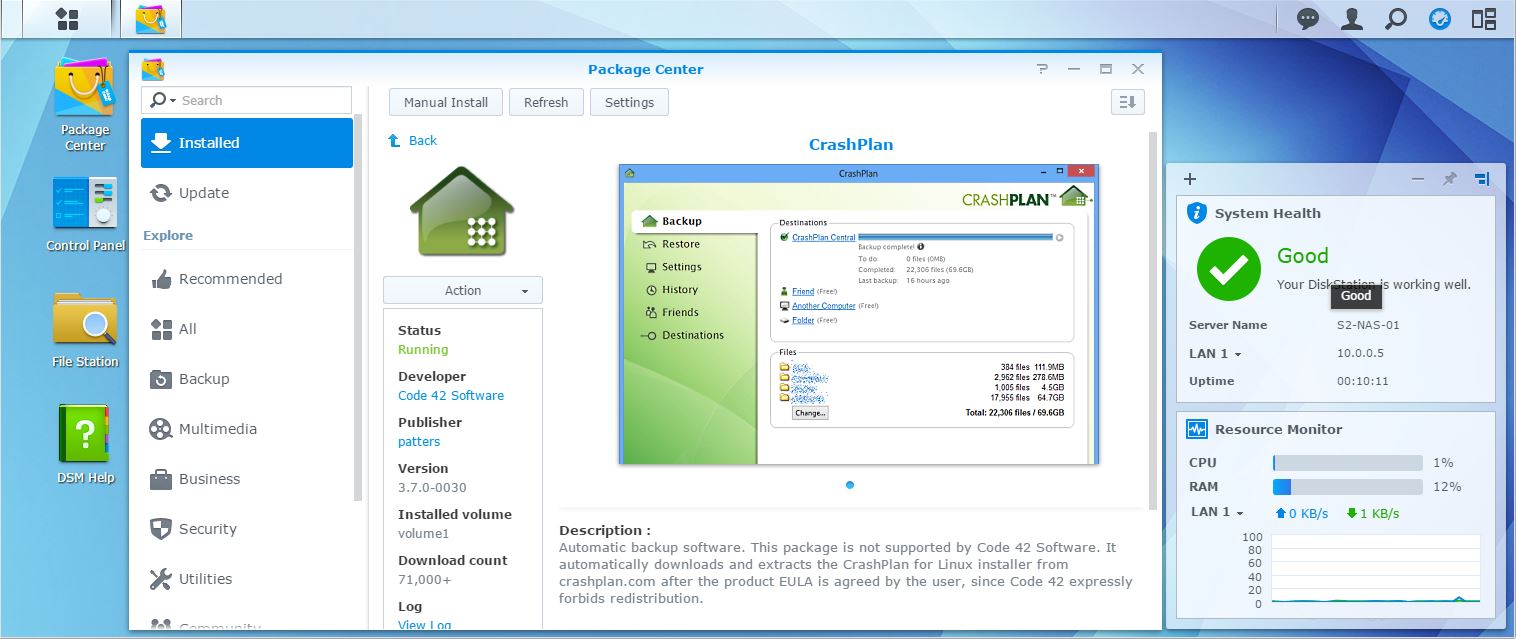
Installing CrashPlan on a Synology NAS requires specific configuration steps regarding package trust and adherence to system software requirements.
- To successfully install the package, users must first navigate to Package Center Settings and change the Trust Level to Any publisher to bypass installation errors.
- The system currently restricts Java compatibility, requiring the use of Java 7 versions, as newer versions like Java 8 are not supported on Synology DiskStations.
- If the automatic update process fails, users should consult external resources for instructions on how to manually copy update files to correct service locations.