Simple Way to Sync Files to a NAS
data-migration
TL;DR
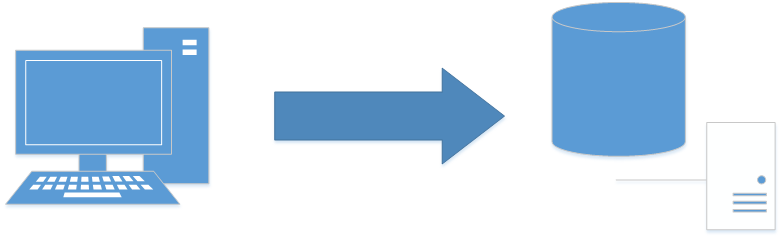
The author details a simple batch script method using the xcopy command to transfer and incrementally update files from a local Windows system to a NAS drive.
- The process relies on the native xcopy command within a batch file to copy directory structures and files.
- To ensure only updated files are copied, the key option used is /D, which copies files newer than the destination time.
- This method is designed only for moving new or updated files and explicitly does not track deleted files or moves.
- For more robust file structure changes and advanced pairing, the post recommends checking out SyncToy.