After Effects: Trim Paths Transition to Spin
after-effects-trim-paths-spin-comp
TL;DR
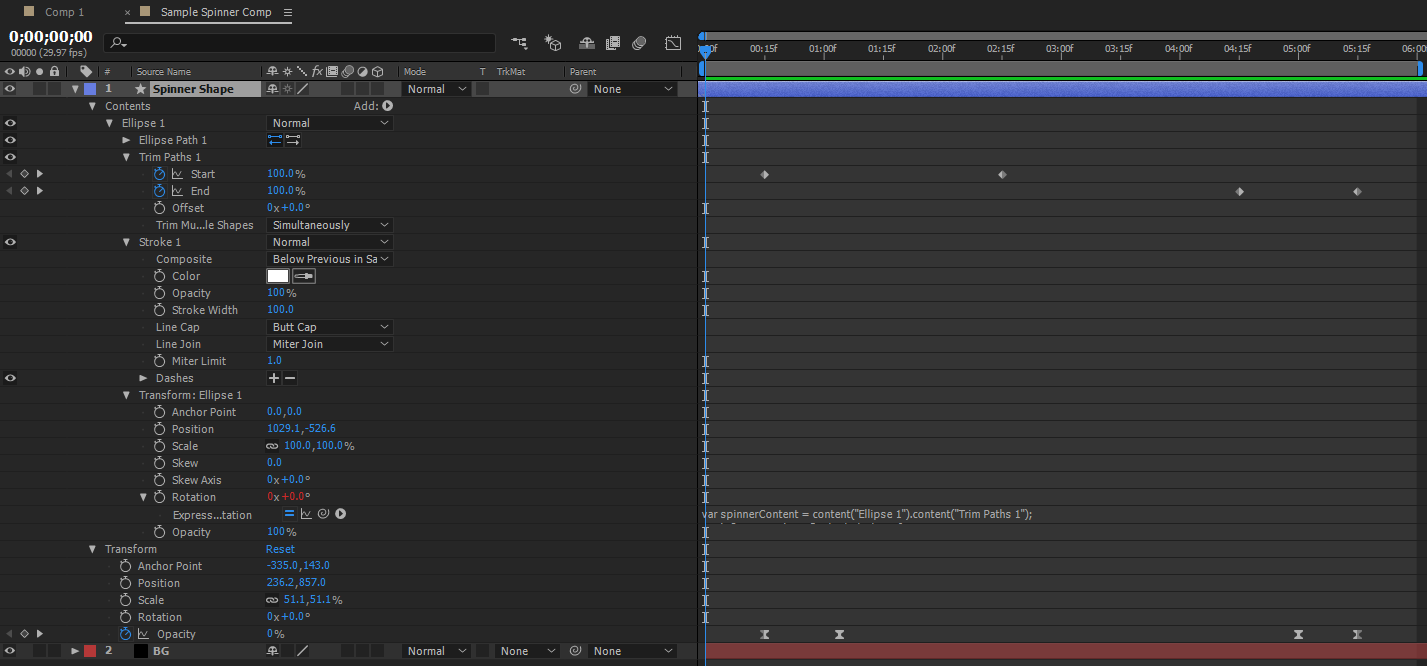
This technique demonstrates how to synchronize the rotation of a drawn shape with the speed at which it is animated open using an expression.
- Trim Paths must be keyframed (e.g., start at 100, end at 0) to define the opening animation and desired speed.
- Rotation animation requires an expression that calculates the time difference between the trim paths keyframes.
- The script dynamically calculates the spin rate by dividing 360 degrees by the defined time span, ensuring continuous matching motion.