Synology DSM 6.0 - No More Root
March 28, 2016
TL;DR
DSM 6.0 significantly alters SSH access by requiring users to log in with an administrative account rather than using the 'root' user.
- To gain administrative privileges, users must log in as an authorized account and utilize sudo, eliminating the need to use the 'root' username.
- Admin access requires explicitly verifying that your user account is added to the administrators user group via the DSM Control Panel.
- The base DSM installation has replaced the standard 'zip' utility; therefore, manual unzipping of packages must now use 7z.
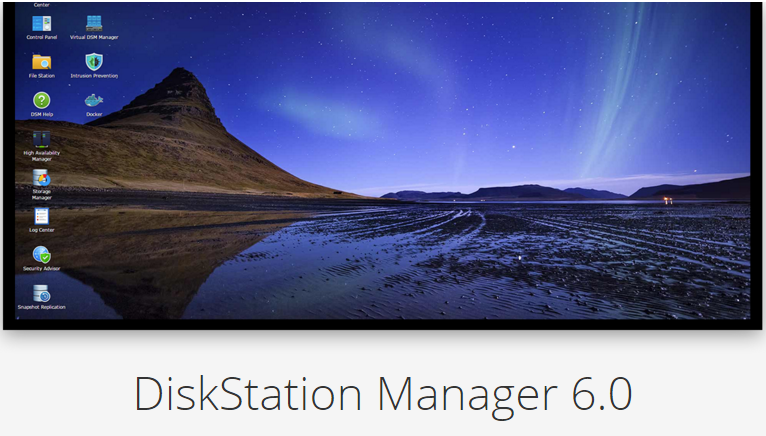
If you are used to using older versions of DSM on your Synology NAS hardware, and use the SSH functionality, you may know that to get "admin" access you needed to login as "root".
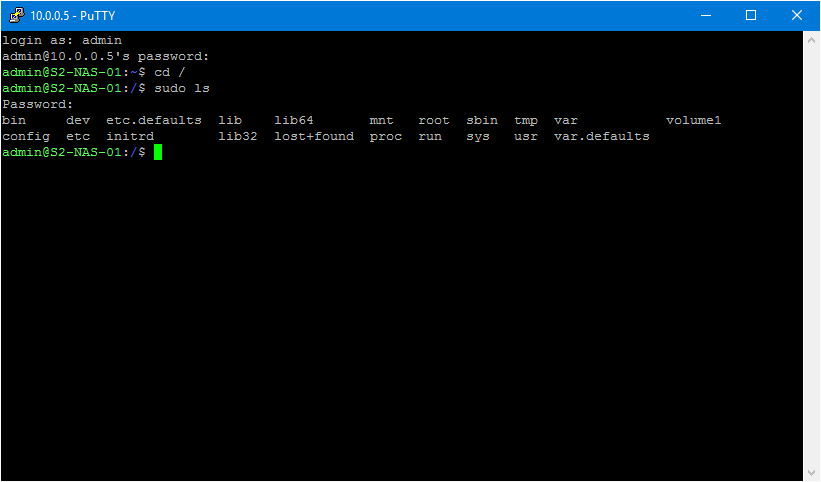
To do this at the SSH login, you would simply use the user name "root" instead of admin, or another user. Now, in DSM 6.0, you do not use "root" you simply need to login as a user that has admin access. Then you can use sudo like standard Linux. You do need to make sure that your user account is an admin account...
To make sure a user is in the administrators group, simply login to DSM via the web, and open up Control Panel, then select Users. Then select the user you want to manage and Edit. Then change to the User groups tab and make sure that administrators is selected.
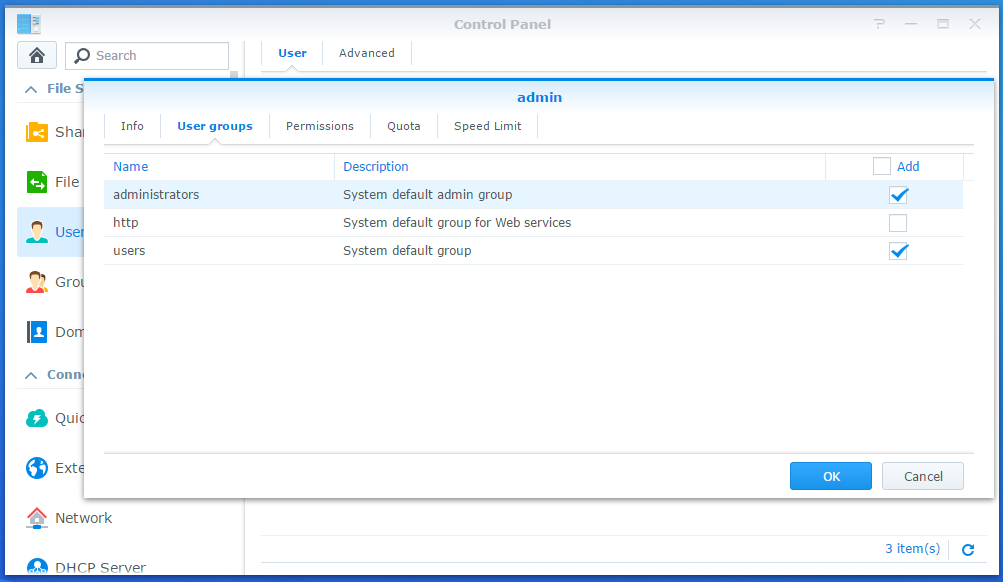
Once that is done, you should have sudo access when logged in via SSH.
Some other random notes, things like zip are no longer included in the base DSM install. It's been replaced with 7-Zip, so to unzip packages manually, you have to use 7z instead of unzip. If you need more information on 7-Zip, take a look, here.